The release of Dark Souls: Archthrones has shifted the landscape of modding, functioning less like a tweak and more like a “community sequel” or an unofficial Dark Souls 4. However, getting this total conversion mod running is not as simple as dragging and dropping files. Because the mod relies on specific memory hooks that were broken in later official updates, you cannot run Archthrones on the current Steam version of Dark Souls III.
This guide acts as your technical companion. We will walk you through the mandatory “downpatching” process to version 1.15, the asset injection, and the specific launch parameters required to enter the Nexus of Embers without crashing.
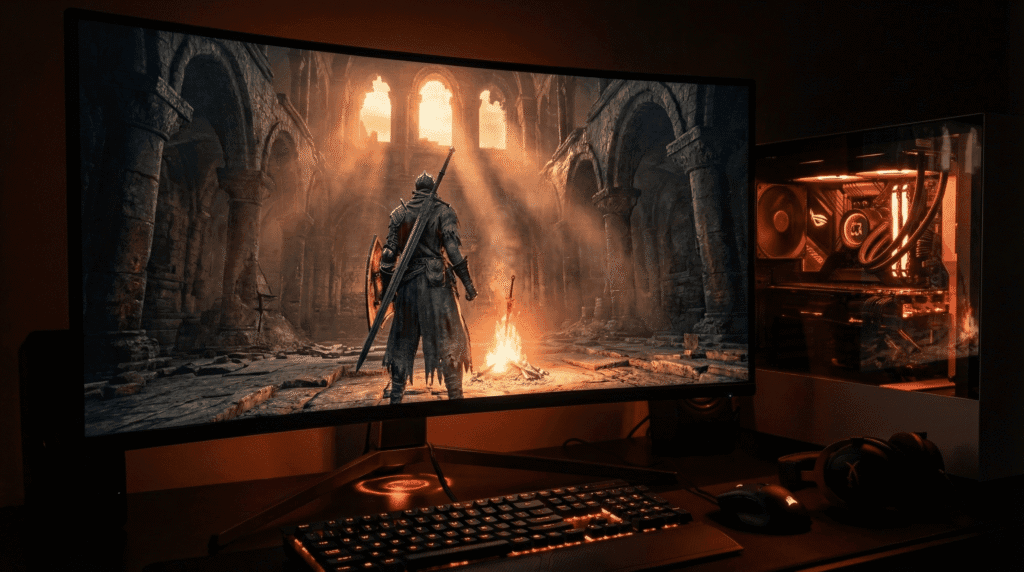
The Nexus of Embers: Your new home base in Archthrones, rendered with updated lighting scripts.
Prerequisites & Compatibility
Before modifying your game files, ensure your hardware and software environment meets the baseline requirements. Archthrones is significantly more demanding than the base game due to high-fidelity custom assets and unoptimized lighting scripts.
Legitimate Copy of Dark Souls III: You must own the game on Steam.
Disk Space: You need approximately 11GB for the asset pack, plus space for the base game.
GPU Requirement: Minimum GTX 1050 Ti (4GB VRAM) is required to avoid texture thrashing in the new “Phoenix Tower” areas.
Operating System: Windows 10/11 is recommended. Linux/Steam Deck users require specific launch arguments (see our Steam Deck Guide).
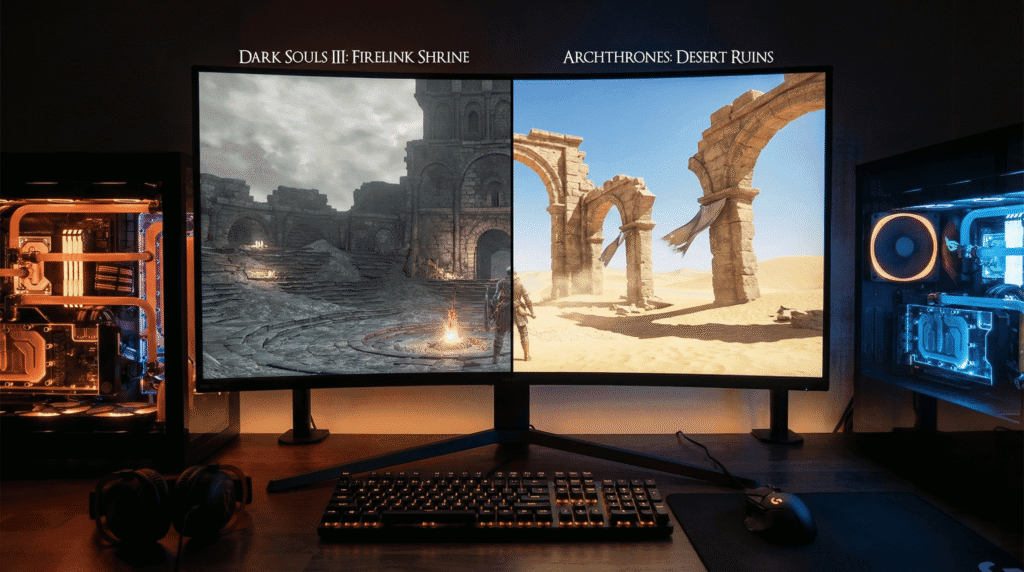
Archthrones utilizes custom assets and lighting engines, creating biomes like the Desert Ruins that differ vastly from the base game.
Step 1: The Clean Slate Strategy
To prevent conflicts, you must start with a clean installation. Mods like The Convergence or Cinders edit the same data repositories, which will cause immediate “Failed to Load Assets” errors.
Navigate to your Steam Library.
Right-click Dark Souls III > Manage > Browse Local Files.
Delete everything in this folder except the Game directory (or uninstall and reinstall the game completely via Steam).
Launch the vanilla game once to generate the initial configuration files, then exit.
Step 2: The Critical Downpatch (v1.15)
This is the most important step. Archthrones is hard-coded to function on Dark Souls III executable version 1.15. The current Steam version contains updated server code that shifts memory addresses, leading to an instant crash if you attempt to launch the mod without downpatching.
You have two primary methods to achieve this. For the full technical breakdown of why this works, read our deep dive on How to Downpatch Dark Souls 3.
The Quick Method:
You need to replace your current DarkSoulsIII.exe with the v1.15 legacy version.
Warning: Steam does not offer a native “Beta” tab for this specific version. You must obtain the executable via the Steam Console (DepotDownloader) or trusted community archives linked in the mod’s official discord.
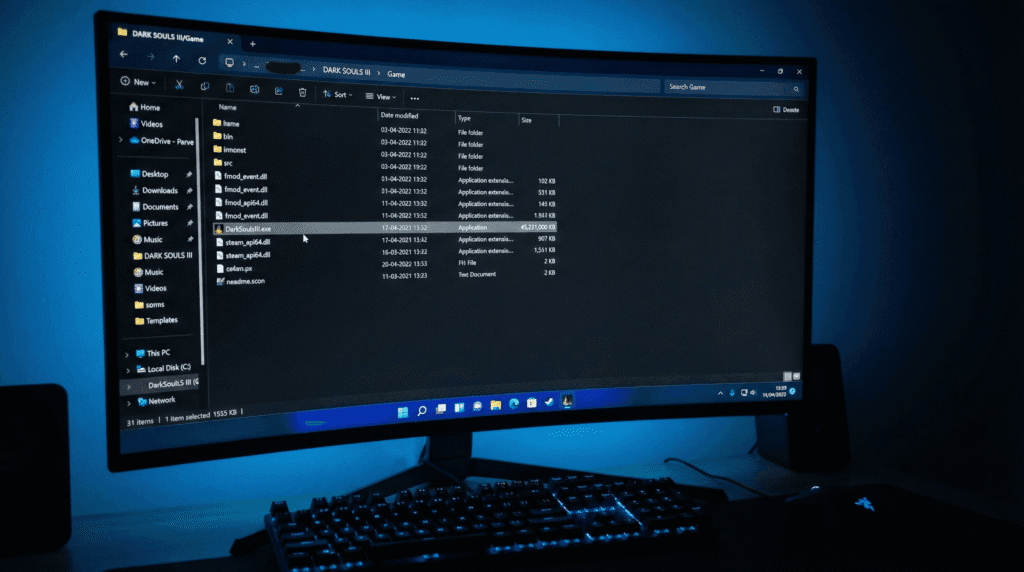
Once you have the v1.15 DarkSoulsIII.exe, place it in your game root folder:
\steamapps\common\DARK SOULS III\Game\
Confirm the replacement when Windows asks.
Note: If you do not perform this step, the “Lazy Loader” tool will fail to hook into the game process, and the mod will simply not load.
The critical step: Replacing the modern executable with the legacy v1.15 file is required for the mod injector to work.
Step 3: Installing the Archthrones Assets
Once your base game is reverted to the legacy version, you are ready to install the actual mod files.
Download the Demo: Get the latest version (currently Demo v1.1.3) from Nexus Mods or the official Patreon.
Extract Files: Open the downloaded .7z or .zip archive.
Transfer: Drag and drop all contents directly into your \Game\ folder.
Verify Structure: Your folder should now contain a specialized dinput8.dll and a Rom folder filled with the new assets.
Your /Game/ folder must contain the ‘Rom’ folder and ‘dinput8.dll’ alongside the executable.
Step 4: Launching via Lazy Loader
Archthrones uses a custom injector often referred to as the “Lazy Loader” to stream the 11GB asset package dynamically.
Locate the custom launcher/injector file included in the mod download.
Antivirus Warning: Your antivirus software may flag this file. This is a false positive caused by the tool’s behavior (injecting code into the game process). You must whitelist the file to proceed.
Run the launcher. It will automatically detect the v1.15 executable and initialize the mod.
If you encounter a “White Screen” or the game crashes immediately upon opening, please consult our Troubleshooting Guide for fixes regarding resolution scaling and save file locations.
Verification: Are You Online?
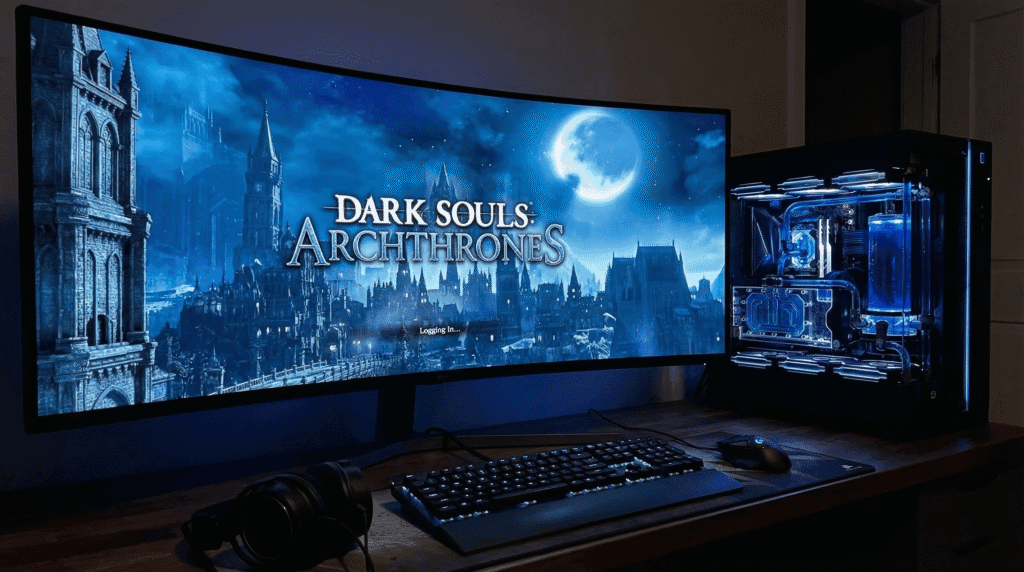
Upon successful launch, the title screen will change to read “Dark Souls: Archthrones.”
The mod automatically redirects your connection to a private server (DS3OS) to protect you from getting banned on the official Bandai Namco servers. You should see a “Logging In” prompt that connects to the Archthrones custom cluster. This ensures your vanilla save files remain safe and segregated in %appdata%\Roaming\Archthrones.
Success: The title screen will change, and you will see a connection prompt for the private DS3OS server.
Frequently Asked Questions
Can I install Archthrones on PS5 or Xbox?
No. Archthrones relies on DLL injection and executable modification, which is impossible on closed console ecosystems. It is strictly a PC-exclusive experience.
Is the mod finished?
As of early 2026, the mod is in a “Demo” state. However, this demo includes 5 worlds and 17 bosses (approx. 30% of the planned content), making it larger than most official DLCs.
Will installing this ban me from Dark Souls 3 online?
The mod uses a separate save directory and forces a connection to a private server, ensuring your official account data is never transmitted to the anti-cheat validation servers.
My game crashes after the first cutscene. Why?
This is usually due to high graphics settings overloading the engine in the new areas. Ensure your lighting is set to “Low” or “Medium” if you are near the minimum requirements. Check our System Requirements page for optimization tips.
How do I play on Steam Deck?
Linux requires a specific launch argument (WINEDLLOVERRIDES) to load the mod files. Please follow our dedicated Steam Deck Configuration Guide.