
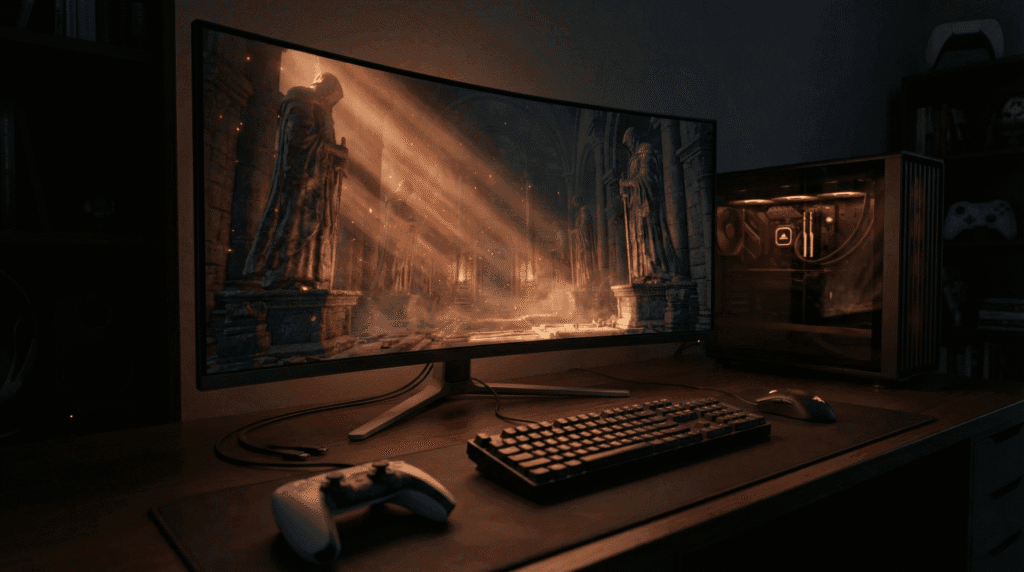
The release of the Dark Souls: Archthrones demo has reignited the passion of the Souls community, offering a “community sequel” that rivals official FromSoftware expansions. With its stunning visual overhaul and Demon’s Souls-inspired structure, console players on PlayStation 5 and Xbox Series X are naturally asking: Is Archthrones coming to consoles?
The Short Answer: No.
Dark Souls: Archthrones is strictly a PC-exclusive total conversion mod. It is not available on PS5, PS4, Xbox Series X/S, or Xbox One, and there are currently no plans for a console release.
Unlike official DLCs (like The Ringed City) which are distributed through the PlayStation Store or Xbox Marketplace, Archthrones modifies the game’s core files in ways that console operating systems strictly forbid.
Technical Deep Dive: Why It Will Never Come to Consoles
The reason isn’t just a matter of development time; it is a fundamental architectural incompatibility between open PC environments and “walled garden” console ecosystems.
1. The DLL Injection Barrier
To function, Archthrones relies on a specific method called “DLL Injection.” The mod utilizes a modified file named dinput8.dll to hook into the game’s memory. This allows the modders to:
- Inject new combat scripts (like the Sekiro deflection mechanic).
- Load custom assets that don’t exist in the base game code.
- Manipulate the game’s engine to load the 1.15 version memory addresses.
Why this fails on Console:
PlayStation and Xbox consoles run on closed, sandboxed operating systems. They verify every file’s digital signature against official Sony or Microsoft servers. If you attempted to inject a custom dinput8.dll into a PS5 version of Dark Souls III, the console’s hypervisor would immediately flag it as corrupted or malicious data and refuse to launch the game.
2. The 1.15 Executable Requirement
As detailed in our Installation Guide, Archthrones requires “downpatching” the game executable to version 1.15 to align with specific static memory addresses.
- On PC: You can manually swap the
.exefile and block Steam updates. - On Console: You are forced to play on the latest version delivered by PSN or Xbox Live. There is no file manager to swap executables, and you cannot roll back patches to a specific version from 2017.
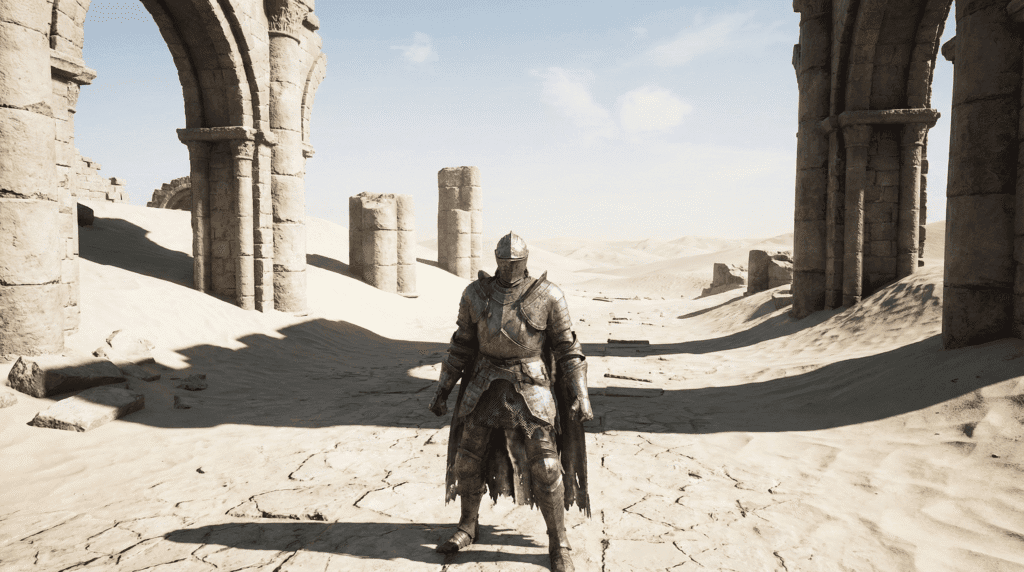
Critical Warning: Avoid Fake “Console ISOs”
Our analysis of search data reveals a dangerous trend of users searching for “Dark Souls Archthrones PS5 download” or modified ISOs.
Do not download any file claiming to be a console version of Archthrones.
- These files are often malware, phishing scams, or corrupted data.
- There is no “Jailbreak” version of Archthrones that runs on current firmware.
- Installing unverified files on a modified console can lead to hardware bans from Sony or Microsoft.
The Portable Alternative: Steam Deck
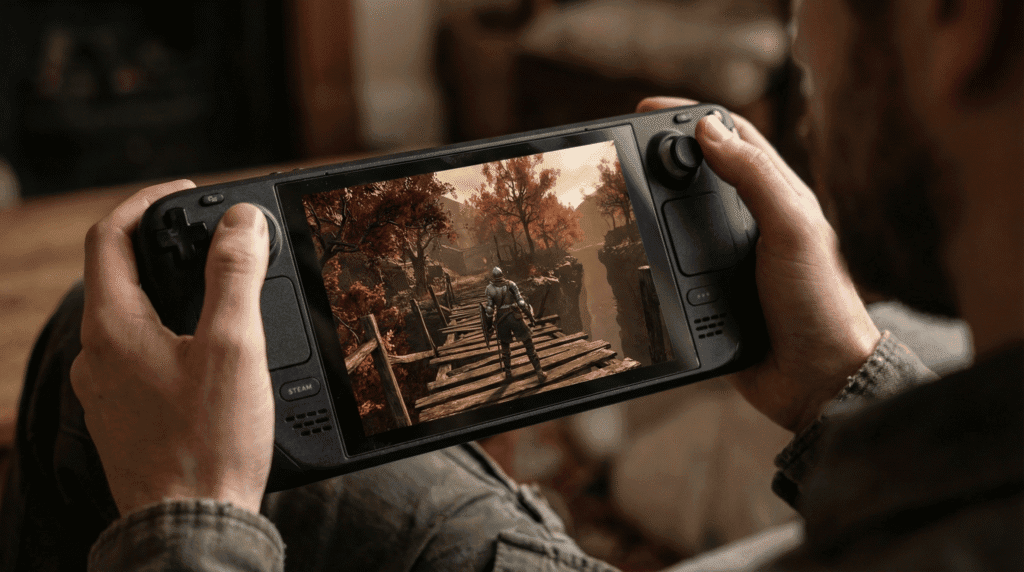
If your goal is to play Archthrones on a handheld device or away from a desk, you do have one viable option: the Steam Deck.
While the Steam Deck is a “console” in form factor, it runs on SteamOS (Linux), which is an open platform. With the right tweaking, it can run Archthrones flawlessly.
Quick Steam Deck Checklist
To play on Deck, you cannot just click “Play.” You must configure the Linux compatibility layer to accept the DLLs that consoles reject:
- Operating System: SteamOS 3.5+
- Compatibility Tool: Proton 7.0-6 (Crucial for stability)
- Launch Option: You must add the following command to your Steam properties to force the mod to load:
WINEDLLOVERRIDES="dinput8.dll=n,b" %command%For a complete step-by-step tutorial on setting up the mod for handheld play, refer to our dedicated Steam Deck & Linux Configuration Guide.
Is There Any Hope for the Future?
The only scenario where Archthrones could appear on consoles is if FromSoftware and Bandai Namco officially adopted the mod and released it as licensed DLC. Given that Dark Souls III development ended years ago and the studio has moved on to Elden Ring, the probability of this happening is effectively zero.
For now, Archthrones remains the privilege of the PC gaming ecosystem. If you are looking to build a PC specifically for this mod, check our System Requirements & Performance Optimization page to see what hardware you need (don’t worry, a budget GTX 1050 Ti can run it!).
People Also Ask (FAQ)
Can I play Archthrones on PS4 if I have a jailbroken console?
Even on a jailbroken PS4, Archthrones is highly unlikely to work. The mod relies on Windows-specific libraries and memory pointers that do not translate to the PlayStation’s Orbis OS infrastructure. The effort required to port the code would be equivalent to rebuilding the entire game from scratch.
Is Archthrones free to play?
Yes, the mod itself is 100% free. However, you must own a legitimate copy of Dark Souls III and both its DLCs (Ashes of Ariandel and The Ringed City) on PC (Steam) for the mod to function.
Will Archthrones come to Xbox Series X?
No. Xbox consoles do not allow the execution of unsigned code or the modification of game files required for the 1.15 downpatch.
Does Archthrones support controller on PC?
Yes! Since Dark Souls III has native controller support, Archthrones works perfectly with PS5 (DualSense) and Xbox controllers on PC. You do not need extra software; Steam Input handles the mapping automatically.